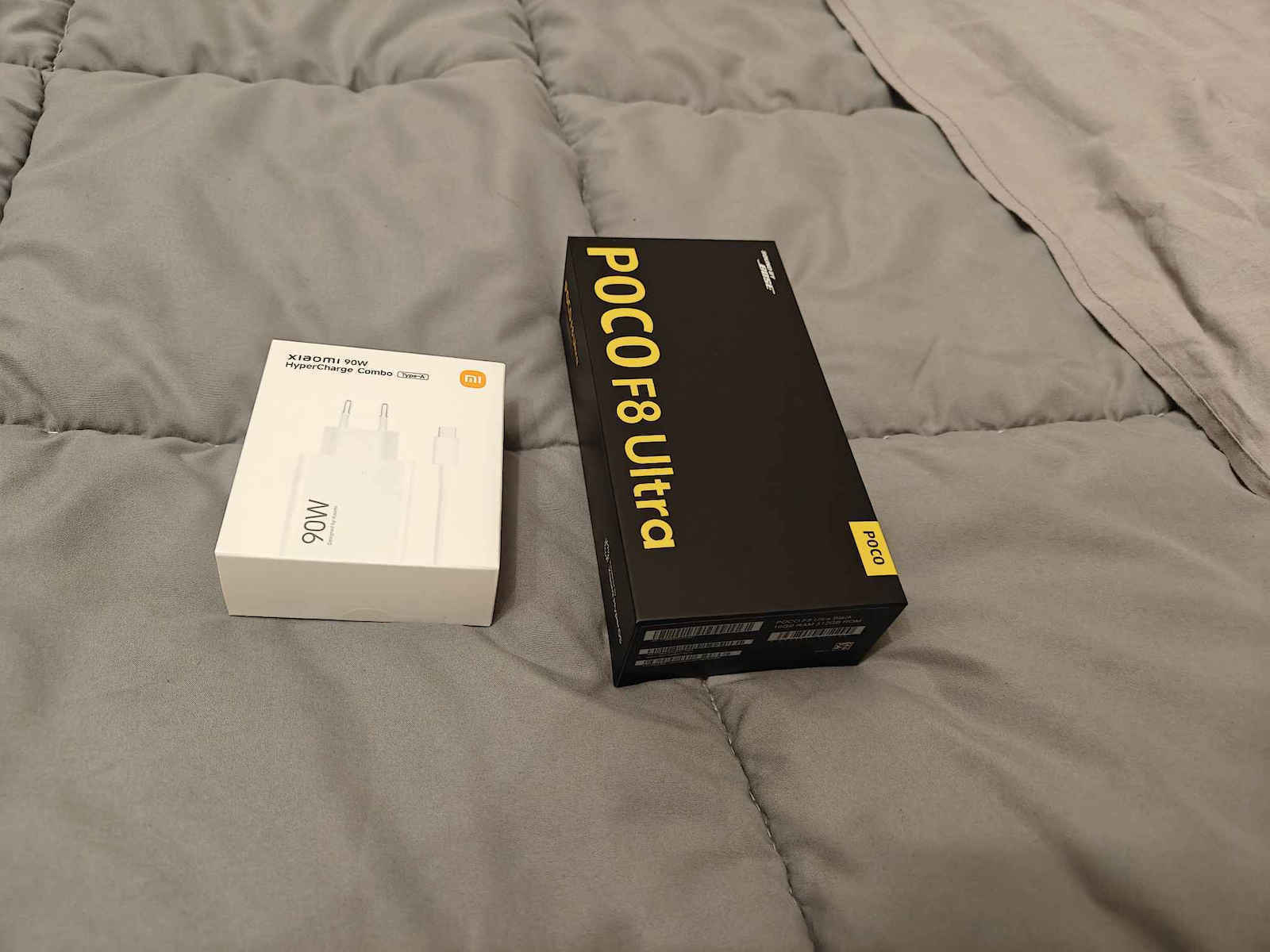
După 15 ani ca utilizator Samsung, am decis să cumpăr acest Xiaomi Poco F8 Ultra, mai ales deoarece S26 Ultra costă de două ori mai mult, având de fapt aceleași specificații, cu excepția unei camere probabil mai bune.
Am preferat să plătesc 800 pentru un telefon cu o cameră bună și, dacă am nevoie de o cameră mai bună, pot cumpăra cu 800 o cameră dedicată suplimentară, decât ORICE telefon de 1600.
Prețul acestui telefon are un raport calitate-preț imbatabil. Această recenzie este după 1 lună. Și îmi pare rău că este prea lungă, dar am scris toate plusurile și minusurile pe care le-am găsit.
Acest telefon este prea puternic, cu cel mai rapid procesor care există, 16 GB RAM și 512 GB spațiu, iar venind de la S21 Ultra, este ca un rai. Super rapid, fără lag, nimic.
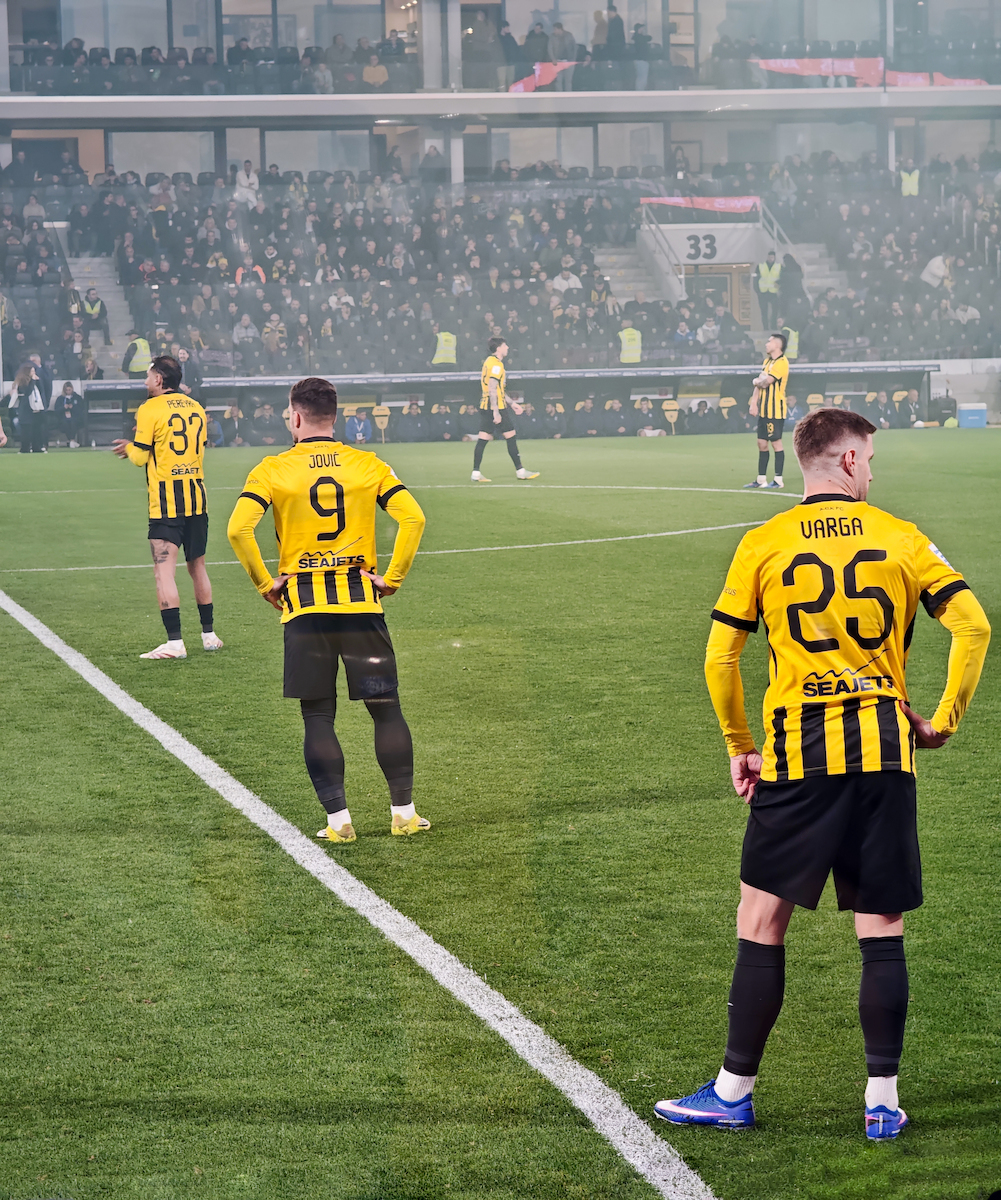
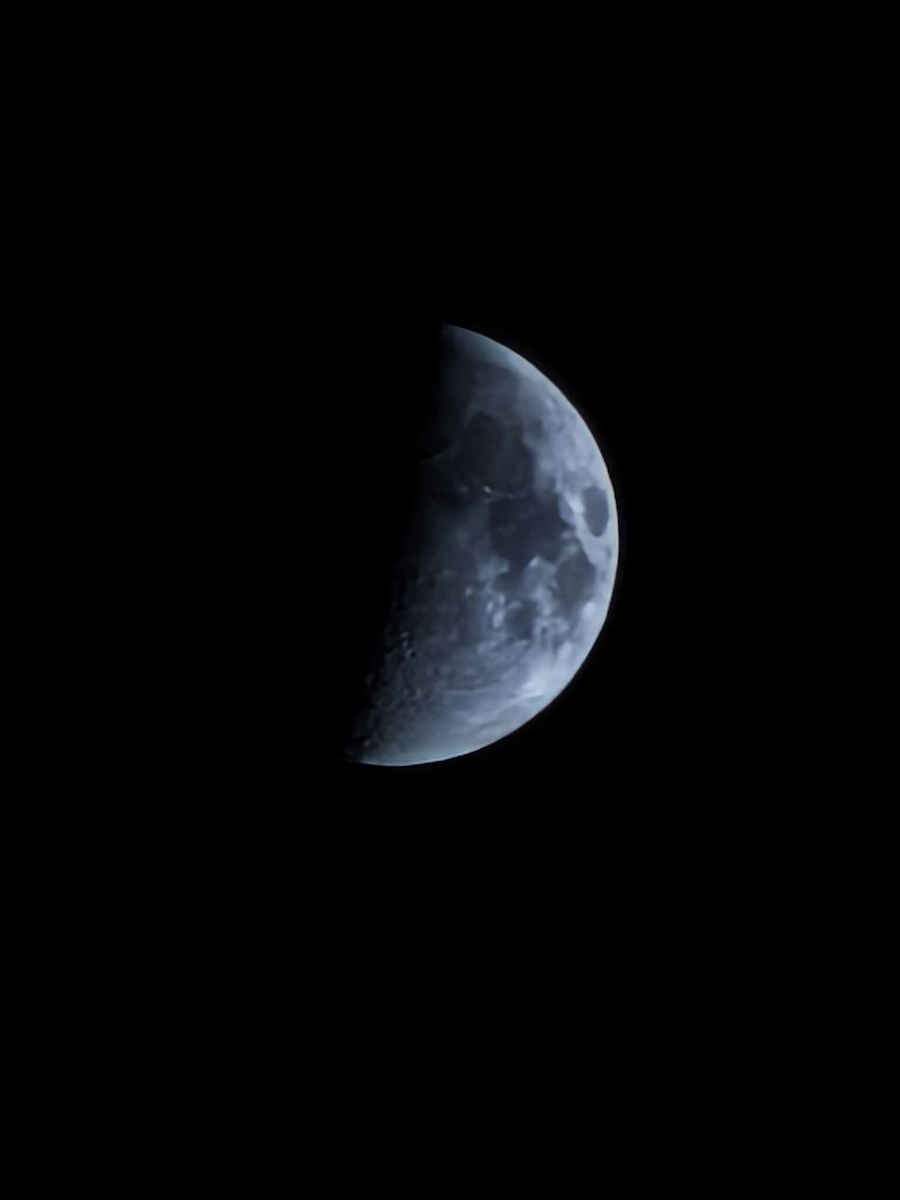
Nu fac foto și video în fiecare zi, sunt un utilizator simplu de cameră și sunt foarte mulțumit de camere ori de câte ori am nevoie de ele. Singurul aspect negativ este că camera Ultrawide are zoom minim 0.7 (18 mm), în timp ce alte telefoane au 0.5 (13-15 mm). Zoom-ul maxim este 100x, dar aproape niciodată nu îl folosesc. Nu fotografiez luna în fiecare zi.
Nu îmi lipsește S-Pen-ul Samsung, deoarece nu l-am folosit niciodată.
Bateria mă ține 24 de ore, dar eu nu sunt gamer. Mă uit mult la YouTube noaptea, cam 30-60 de minute în pat ca să adorm, în timp ce bateria S21 mă ținea doar 6-7 ore, deci încă un upgrade mare pentru mine.
Senzorul de amprentă ultrasonic este cel mai rapid pe care l-am văzut vreodată și îmi deschid telefonul ULTRA rapid.
Dacă ești utilizator Samsung și vrei să treci la acesta, ține cont că, deși este tot ANDROID, există unele lucruri care nu sunt la fel ca pe Android-ul Samsung, deoarece este o interfață de sistem Xiaomi diferită, dar te vei obișnui cu ea în 2 zile.
De asemenea, și mai important, notează următoarele:
1. Samsung Notes nu poate fi transferat pe acest telefon. Trebuie să le transferi ca PDF într-o aplicație numită Microsoft OneNote sau le poți copia una câte una într-o aplicație numită Google Keep, pe care o găsești în Play Store. Foloseam foarte mult aplicația Samsung Notes și o consider cea mai bună aplicație pentru notițe, așa că îmi lipsește. Alții poate nu.
3. Aplicația implicită Gallery este ok, dar Samsung Gallery era mai bună în opinia mea din cauza următoarelor două opțiuni, care poate nu sunt importante pentru tine, dar pentru mine:
4. Samsung Gallery avea opțiunea de a avea grupuri de albume foto, de exemplu un grup de 8 albume. Dacă încă ai nevoie de grupuri de albume, trebuie să iei aplicația numită Fossify Gallery sau Aves Gallery, din Play Store. Singurul minus al acestor 2 aplicații este că nu am găsit o modalitate de a face colaj foto. Așa că folosesc colaj foto cu aplicația implicită Gallery.
5. „GO TO WEBSITE” nu este afișat pe fotografii în galerie și încă nu am găsit o soluție. Nu este chiar important, dar îl foloseam pe telefoanele mele Samsung.
6. QUICK ACCESS din browserul Samsung Internet îmi permitea să am 35 de pagini din care să aleg, iar acestea nu sunt transferate pe acest telefon. Poți avea acest browser pe acest telefon, dar trebuie să adaugi din nou acele 35 dacă vrei.
7. Browserul implicit este Mi Browser, dar încă nu l-am folosit. Cred că poți adăuga multe pagini și acolo.
8. Am folosit Google Chrome ca browser, care mi-a oferit doar 7 pagini maxim, în loc de 35.
9. Încărcătorul Samsung de 25W poate încărca complet acest telefon în 2 ore, dacă îmi amintesc bine, dar dacă cumperi încărcătorul original Xiaomi de 100 sau 120W, îl poți încărca complet în doar 40 de minute, ceea ce îmi oferă 24h din UTILIZAREA MEA.
Unele schimbări în setări pe care le-am făcut:
1. Inițial, ecranul părea spălăcit, mai ales dacă îl pui alături chiar și de S21. Așa că trebuie să intri în setări, afișaj, schemă de culori și să o schimbi pe vivid.
2. Setări, afișaj, dual core visuals ON.
3. Setări, afișaj, mod întunecat.
4. Poți face ecranul să se aprindă sau să se stingă prin dublu tap (în setările pentru ecranul de blocare și ecranul principal).
5. Numele elementelor din centrul de control (pe ecranul principal nu afișează text OFF)
6. A trebuit să dezactivez notificările plutitoare (pop up) în aplicații precum Google Messages, Gmail, Viber, WhatsApp, Messenger, Instagram etc. pentru a opri bannerul de previzualizare pop up. Procedură: setări, notificări, notificări plutitoare și am dezactivat aplicațiile de mai sus. Alții poate nu vor/nu au nevoie de asta.
7. Dacă îți lipsește aplicația Samsung Message, poți obține aplicația Smart Messages (culoare verde) din Play Store.
8. Nu am văzut NICIUN AD, așa cum am citit pe undeva, dar totuși am schimbat majoritatea setărilor despre care am citit online în legătură cu asta, pentru a nu avea reclame. Și personal am avut 0 reclame până acum, așa că nu înțeleg cu adevărat dacă a fost o problemă acum 4-5 luni. Astăzi nu este.
În general, aș cumpăra acest telefon la un asemenea preț în fiecare zi a săptămânii în locul oricărui alt telefon.
Simt că am cele mai bune specificații posibile, cu o cameră foarte bună, la jumătate din prețul oricărui alt telefon flagship, deci da, acesta este 100% un flagship killer.
After 15 years as a Samsung user, i decided to buy this Xiaomi Poco F8 Ultra, especially since S26 Ultra is twice its price, with actually the same specs except a probably better camera.
I prefered to pay 800 for a phone with a good camera and if i need a better camera, i can buy with 800 an extra dedicated camera, than ANY 1600 phone.
The price of this phone has an unbeatable value for money. This review is after 1 month. And i am sorry that its too big but i wrote all pros and cons i found.
This phone is too powerfull with the fastest processor that exists, 16 ram and 512gb of space and coming from S21 Ultra, its like a heaven. Super speedy, no lags, nothing.
I don't photo and video everyday, i am a simple camera user and very satisfied with the cameras whenever i need them. The ONLY negative is that Ultrawide camera has min zoom 0.7 (18mm) while other phones have 0.5 (13-15mm). The max zoom is 100x but i almost never use it. I don't photo the moon everyday.
I do not miss my Samsung S-Pen, since i never used it.
Battery takes me 24 hours, but i am not a gamer. I watch a lot of youtube at nights, like 30-60 minutes in bed to sleep, while S21 battery takes me like 6-7 hours only, so another big upgrade for me.
Fingerprint scanner ultrasonic is the fastest i saw ever and i open my phone ULTRA fast.
If you are a Samsung user and want to change to this, have in mind that although its still ANDROID, there are some things that are not the same with Samsung android, since its a different xiaomi system interface, but you will get used to it in 2 days.
Also and more importanly, note the following:
1. Samsung Notes can not transfered to this phone. You need to transfer them as PDF to an app called Microsoft OneNote or you can copy one by one to an app called Google Keep, that you can find in Play Store. I was using a lot the Samsung Notes app and i rate it as the best app for Notes, so i miss it. Others might not.
3. The default Gallery app is ok, but Samsung Gallery was better in my opinion because of the following two options, which maybe are not important for you, but me:
4. Samsung Gallery had the option to have group of albums of photos, for example a group of 8 albums. If you still need group of albums, you need to get the app called Fossify Gallery or Aves Gallery, from Play Store. The only negative for these 2 apps is that i did not find a way to pic collage. So i use pic collage with the default gallery app.
5. "GO TO WEBSITE" is not shown on photos in gallery and still i did not find a solution. Not really important, but i was using it in my samsung phones.
6. Samsung's internet browser QUICK ACCESS let me have 35 pages to choose from, and they are not transfered to this phone. You can have this browser on this phone but you need to re-add those 35 again if you want to.
7. Default browser is Mi Browser but i did not use it yet. I think you can add many pages there also.
8. I used Google Chrome as a browser, which gave me only 7 pages max, instead of 35.
9. Samsung's charger 25W can charge fully this phone in 2 hours if i remember well, but if you buy its original xiaomi charger 100 or 120W, you can charge it fully in 40 minutes only, which gives me 24h of MY use.
Some changes in settings i made:
1. Initially the screen seemed washed out, especially if you put it side by side even with S21. So you need to get in settings, display, color scheme and chage it to vivid.
2. Settings, display, dual core visuals ON.
3. Settings, display, dark mode.
4. You can make the screen to turn on or off by double tap (in lockscreen and homescreen settings).
5. Item names in control center (homescreen dont show text OFF)
6. I needed to turn off floating notifications (pop up) in apps like google messages, gmail, viber, whatsapp, messenger, instagram, etc to stop the preview banner pop up. Procedure: settings, notifications, floating notifications and turned off the above apps. Others might not want/need that.
7. If you miss the Samsung Message app, you can get Smart Messages (green color) app in Play Store.
8. I saw NO ADS like i read somewhere, but still i changed most of the settings i read online about that matter to have no ads. And personally i had 0 ads so far, so i do not really understand if that was an issue like 4-5 months ago. Today its not.
In general, i would buy this phone for such a price everyday of the week instead of any other phone.
I feel that i have the best specs possible with a very good camera for half the price of any other flagship phone, so yes this is a flagship killer 100%.